
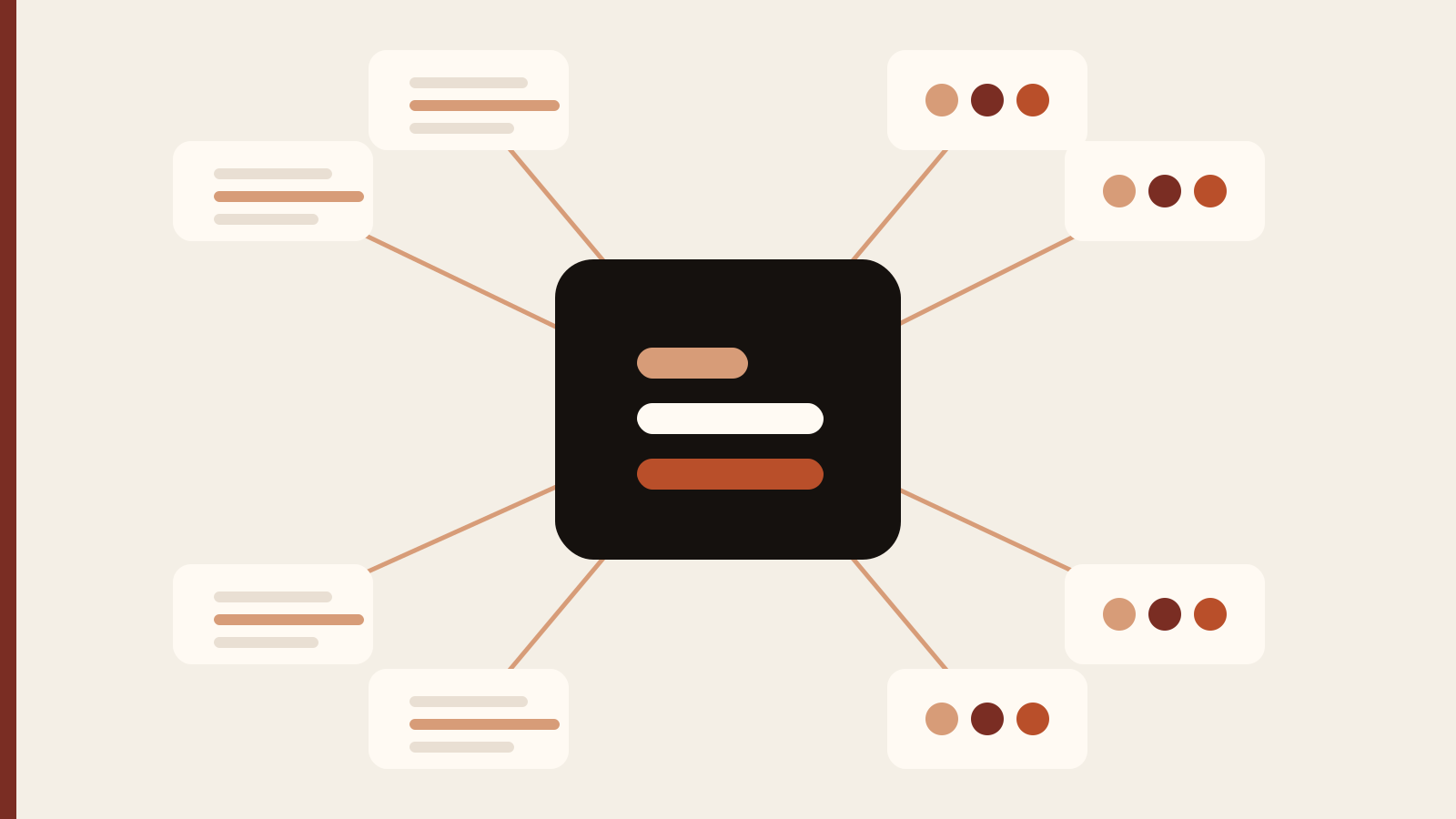
An AI employee for a small business is not a digital person and it is not a single chatbot. It is a defined business role, connected to the information and systems that role needs, with clear rules for what it can do and when a human should step in.
What is an AI employee for a small business?
An AI employee is best understood as a role-shaped AI workflow. Instead of opening a blank AI tool and explaining the company from scratch every time, the business defines a recurring job and gives the system the context, tools and boundaries required to perform that job consistently.
That distinction matters. A generic AI assistant can help with almost anything, but the business still has to direct every step. An AI employee is narrower and more operational. It might own founder briefing preparation, sales follow-up preparation, customer-response drafting, weekly reporting, CRM hygiene, project status summaries or a combination of closely related responsibilities.
The useful question is therefore not “what can AI do?” The useful question is “what block of recurring work would we delegate if we hired one more capable person?” Once the role is clear, the implementation becomes much easier to design.
How an AI employee differs from a chatbot or a basic automation
A chatbot is mainly a conversational interface. A conventional automation follows fixed rules: when one event happens, perform a predefined action. An AI employee can sit across both ideas, but it adds a role and working context.
For example, a basic automation can move a new lead from a form into a CRM. A chatbot can answer a question about that lead. A well-designed AI sales employee can review the lead, compare it with the company’s ideal customer profile, inspect previous communication, prepare the follow-up, surface missing information and recommend the next action. The business can then decide which actions are safe to automate and which should remain approval-gated.
This is why businesses should avoid treating “AI employee” as a synonym for maximum autonomy. The goal is not to let software make every decision. The goal is to give one system enough context and responsibility that a meaningful category of work becomes easier to delegate.
The best first AI employee roles for a small business
The strongest first role usually has five characteristics: the work happens often, the inputs are available digitally, the output has a recognizable standard, the process touches a manageable number of systems, and mistakes can be caught before they become expensive.
- Founder briefing assistant: prepares the day from calendar, CRM, projects and company context.
- Sales coordination assistant: reviews pipeline movement, prepares follow-ups and surfaces stalled deals.
- Customer-response assistant: gathers the history of a customer issue and drafts a response from approved policies and examples.
- Operations assistant: summarizes recurring operational data, flags exceptions and prepares weekly reviews.
- Project coordination assistant: turns project activity into status, blockers, deadlines and next actions.
Notice what these roles have in common. They involve gathering context, applying a standard, preparing work and moving a process forward. They do not begin with irreversible high-stakes decisions.
The five layers that make an AI employee actually useful
1. A specific role
The role should have a job description. Define the recurring responsibilities, what success looks like, the boundaries of the role and what the AI should never decide on its own. If the role cannot be explained clearly to a new human hire, it is probably too vague for an AI implementation as well.
2. A company brain
The system needs the material that teaches it how the company works: offers, customer types, policies, SOPs, examples of good work, brand language, internal definitions and recurring decision rules. Dumping a folder of documents into a tool is not the same as creating usable context. The information should be current, organized and relevant to the role.
3. Access to the systems the role needs
An employee who is responsible for pipeline work but cannot see the CRM is not useful. The same is true for AI. Depending on the role, the implementation may need approved access to email, calendar, CRM, project management, files, forms, spreadsheets or other business systems.
4. Approval boundaries
Every action should have a consequence level. Reading and summarizing are low consequence. Drafting is usually lower consequence than sending. Recommending a change is different from making the change. Good implementation places human approval at the points where brand, money, legal exposure, customer trust or irreversible actions are involved.
5. Real-work calibration
The system should be tested on representative jobs from the actual business. The goal is not a perfect demo. The goal is repeatable output against the messy situations the company sees every week. Calibration is where instructions, examples, data access and approval rules become an operating system rather than a collection of prompts.
A practical implementation process
Start with one role and a short list of recurring jobs. Map how those jobs are handled today, including where information comes from, which systems are touched, what decisions are made and what a good final output looks like. That current-state map becomes the basis for the AI workflow.
Next, assemble the minimum context required for those jobs. Do not begin by uploading everything the company has ever written. Start with the information the role actually needs. Then connect the relevant systems and define permission boundaries. Read-only access is often enough for early testing.
Run real examples through the workflow. Compare the output to the company’s standard, correct the failure patterns and add examples where instructions are ambiguous. Only after the work is consistently useful should the business consider increasing autonomy.
Finally, document how the AI employee is managed. Someone should own the role, know how to update the context and understand which integrations are active. AI does not remove operational ownership; it changes what that ownership looks like.
What should not be delegated first?
Do not start with the work that is most exciting. Start with the work that is most measurable. High-risk financial decisions, legal commitments, sensitive HR decisions, irreversible customer actions and unusual edge cases are poor first candidates for autonomous execution.
It is also a mistake to automate a broken process. If the team cannot explain how a workflow should work, adding AI can make the inconsistency faster rather than better. Clarify the process first, then decide where AI adds value.
How to measure whether the AI employee is working
Measure the role the same way you would measure a new operational system. Useful metrics include turnaround time, number of manual handoffs removed, percentage of outputs accepted without major revision, response consistency, missed follow-ups, time recovered by the team and the number of exceptions that still require a person.
Avoid vanity metrics such as number of prompts sent or number of agents created. The business outcome is what matters. A small system that reliably removes five hours of repetitive work every week can be more valuable than a complicated multi-agent setup that requires constant supervision.
Should you build it yourself or use an implementation partner?
A technically comfortable founder can build a useful first workflow independently, especially if the role touches only one or two systems. The difficulty rises when the role needs multiple integrations, shared company context, permissions, testing, approval logic and a clean handover to a team.
An implementation partner becomes more useful when the bottleneck is not access to AI tools but translating the business into a reliable operating workflow. The partner should be able to map the role, identify the minimum systems required, define approval boundaries, test against real work and leave the company with something it can actually operate.
Frequently asked questions
Can an AI employee replace a full-time employee?
Sometimes it can remove a meaningful block of work, but it should not be assumed to replace an entire human role. The better framing is to identify which recurring responsibilities are suitable for AI and which still require human judgment, relationships or accountability.
Does an AI employee need access to all company data?
No. It should have the minimum relevant access required for the role. Narrow access is usually easier to secure, easier to test and easier to maintain.
How long does it take to build an AI employee?
A focused role can be scoped and tested much faster than a company-wide system. Timeline depends mainly on process clarity, number of systems, quality of company knowledge and how much real-work calibration is required.
What is the best first step?
Write down one recurring role you would genuinely delegate, then list the jobs it performs every week, the systems it uses and where approval is required. That is enough to begin a useful implementation conversation.
Why starting small usually creates a better AI employee
A narrow first role produces clearer feedback. When the system has only a few responsibilities, the team can tell whether the problem is missing context, weak instructions, incorrect access or a genuinely unsuitable task. Once that role is reliable, adjacent responsibilities can be added without losing accountability.
Turn the process into a working AI system.
Send the role, systems and recurring work you want to improve. Rivoras can map the workflow and build the implementation around your business.